
Most insurance agents who try to generate their own opt-in leads build landing pages that are too long, too complicated, and too focused on brand presentation. The prospect who lands on a lead generation page is not there to learn about your agency — they are there because something they searched for suggested there might be a solution to a problem they have. The landing page's only job is to get their name and number and documented consent.
The Three-Second Rule
A prospect who lands on your page has made no commitment to stay. If they cannot understand within three seconds what the page is about, who it is from, and what they get by filling out the form, they will leave.
The Four-Element Page Structure
Element 1: The Headline
The headline is the only text guaranteed to be read. It should state a specific, relevant outcome in plain language:
- "Compare Medicare Plans in [State] — No Cost, No Obligation"
- "Check If You Qualify for Lower Final Expense Rates in [County]"
- "Medicare Open Enrollment Is Open — See Your Options in 2 Minutes"
Clarity converts better than creativity on lead generation pages.
Element 2: The Form
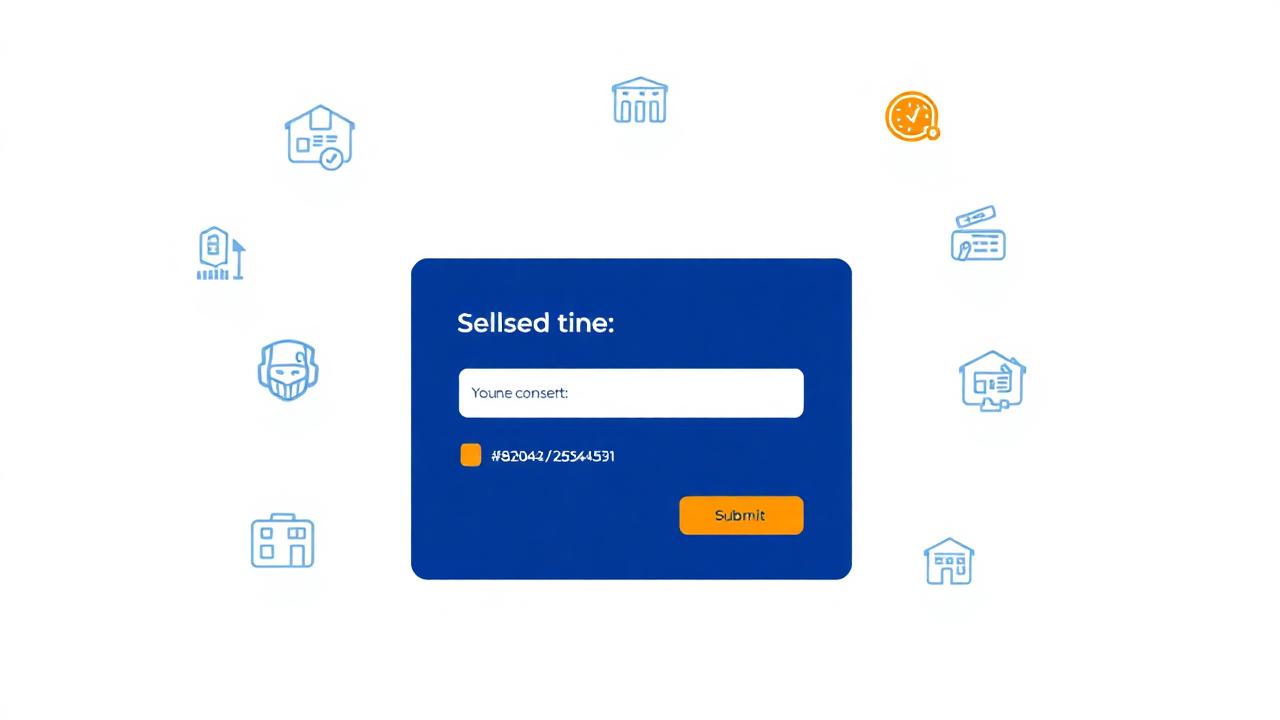
The form should have four fields maximum: First Name, Last Name, Phone Number, and ZIP Code. Every additional field reduces conversion rate by approximately 10-15%.
The submit button text matters: "Get My Free Quote" outperforms "Submit" or "Continue" significantly.
Element 3: The Consent Language
This is the most legally critical element. Under FCC 23-107, consent must name your agency specifically and must be actively given (not a pre-checked box). Required placement: directly below the form, above the submit button.
Required consent language (customize in brackets):
"By clicking [button text], I consent to receive autodialed or prerecorded calls and text messages from [Your Agency Name] at the telephone number I provided, including my mobile number. I understand that consent is not required as a condition of purchasing insurance. Message and data rates may apply. I may opt out at any time by replying STOP to any text message or by calling [your phone number]."
This language must appear in readable font size. It must be accompanied by an unchecked checkbox that the prospect actively checks.
Element 4: The Trust Indicators
One row of three trust signals below the form: your license number and state, a one-line statement of years in business, and a single sentence about what happens after form submission.
What to Remove from Most Insurance Landing Pages
- Navigation menus — they give prospects an exit
- Long company descriptions
- Multiple CTAs — one form, one action
- Stock photos of families or stethoscopes
- Pop-up chat widgets during form completion
Mobile Optimization Requirements
More than 60% of insurance landing page traffic now comes from mobile devices. Your form must be finger-tappable on a 5-inch screen: form fields minimum 44px touch target, button minimum 48px height, consent text minimum 14px font size on mobile.
Whether you generate opt-in leads or buy lists, every number needs verification. Scan your list at cleanleads365.com/scan-my-list.
References
- Unbounce. (2023). Conversion Benchmark Report. Landing page conversion rate by industry and form field count.
- Federal Communications Commission. (2024). FCC 23-107. One-to-one consent requirements for landing page opt-ins.