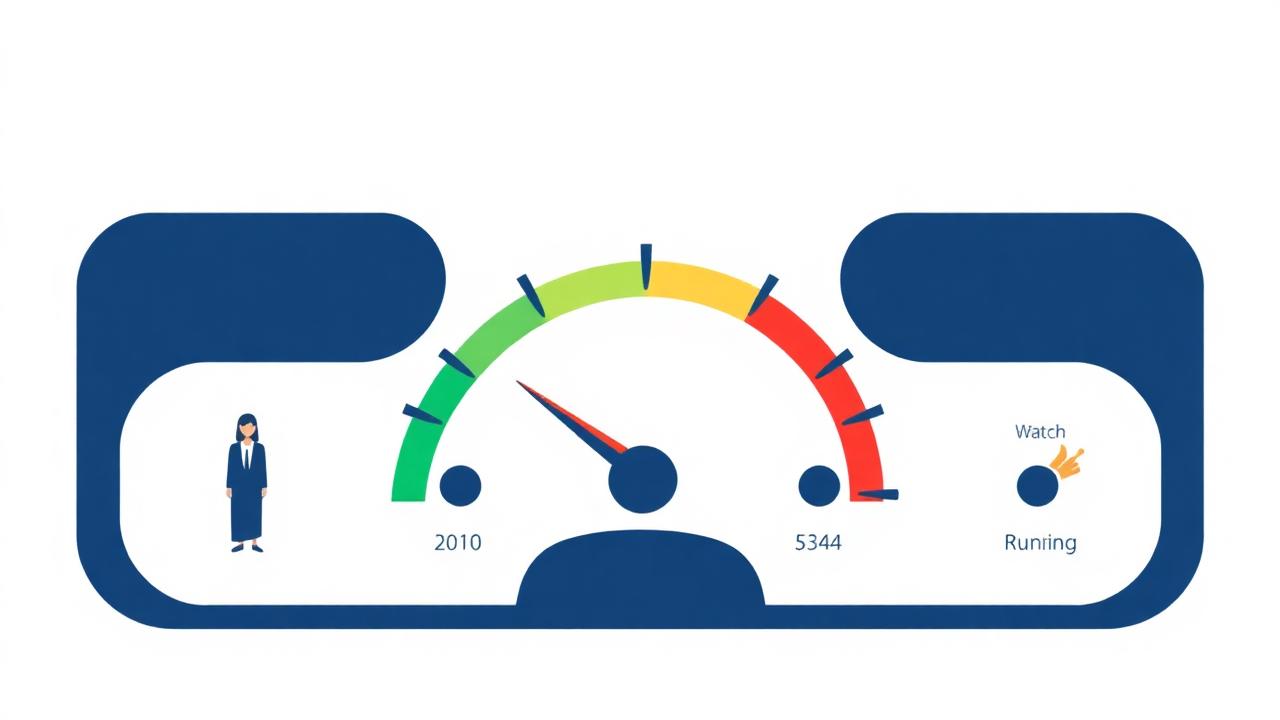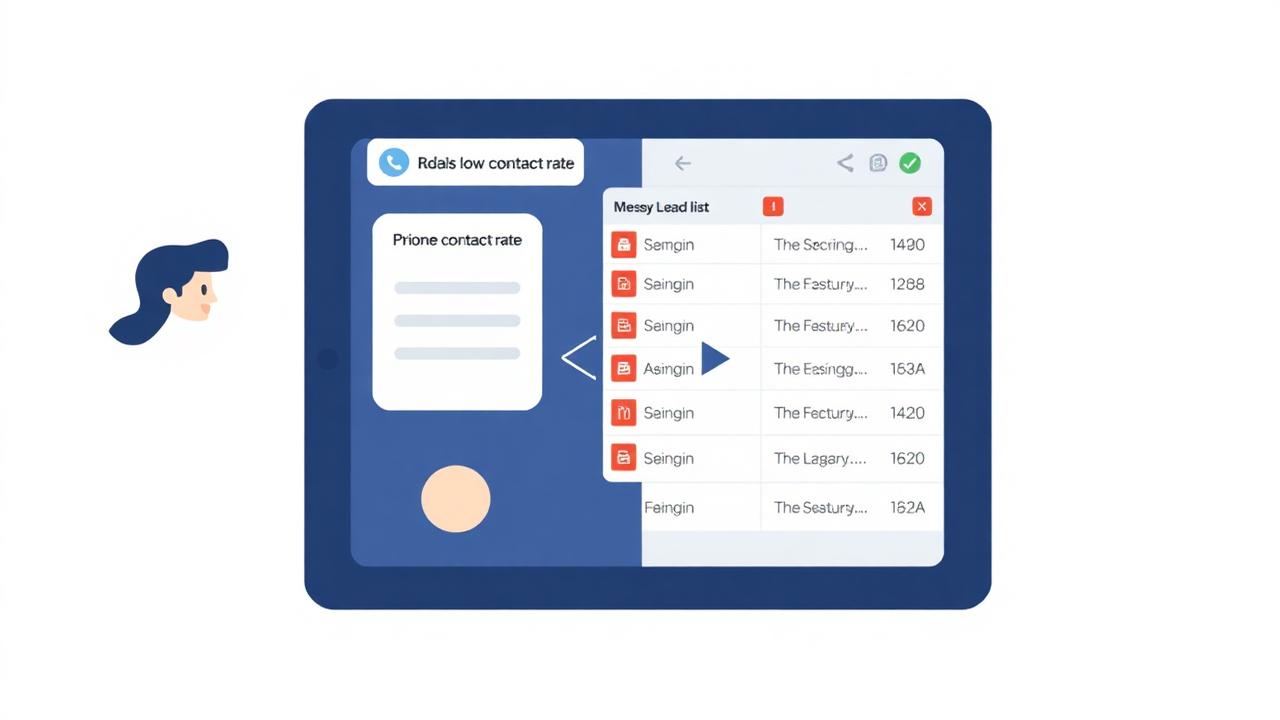
You bought a clean list. You verified the numbers. You're calling in the right windows. Your contact rate should be 40%. Instead it's 9%. The calls are going out, the dials are completing, but nobody is answering. You call your own outbound number from a different phone and there it is on the screen: "Spam Likely."
Everything downstream of that label — the script, the offer, the timing — is irrelevant. The prospect saw "Spam Likely" and made their decision before the first ring completed. Here's what caused it and how to fix it.
How Numbers Get Flagged
The STIR/SHAKEN Framework
In 2021, the FCC mandated implementation of STIR/SHAKEN — a call authentication framework that allows carriers to verify whether the caller ID on an incoming call actually matches the number the call originated from.[1] Calls that fail authentication are automatically labeled "Unverified" or "Spam Risk" on the recipient's screen. If you're using a dialer that doesn't support STIR/SHAKEN attestation, your calls may be flagged before any complaint is ever filed against your number.
Call Volume Anomalies
Carriers and third-party analytics platforms (Hiya, First Orion, YouMail) monitor call patterns. A number that makes 500 calls in a single day with a high percentage of short-duration calls — the profile of a predictive dialer hitting disconnected numbers or immediate hangups — triggers automated spam scoring. The system can't tell the difference between a robocall spammer and a legitimate insurance operation with a dirty list. Both look the same in the data.
Consumer Complaints
When enough people receiving calls from your number mark it as spam in their phone app, carrier report it, or file FTC complaints, that number accumulates a reputation score that affects how future calls are labeled. Every call to a DNC-registered number is a potential complaint. Every call to a disconnected number that shows up in carrier traffic as a failed attempt counts against your ratio. This is the compounding cost of a dirty list — beyond the wasted dials, you're also poisoning your outbound caller ID.
The Fix: Four Steps in Priority Order
Step 1: Confirm the Flag
Before fixing anything, confirm what the flag actually says. Use these free tools:
- YouMail Spam Lookup — enter your number, see current spam classification
- Hiya Number Reputation — aggregates carrier and user report data
- Call your own number from a fresh SIM on a different carrier and observe what caller ID displays
Step 2: Rotate the Number Immediately
If confirmed flagged, stop using that number for outbound calling today. Every additional call you make on a flagged number deepens the problem and lowers the chance of successful remediation. Rotate to a fresh outbound number for all active campaigns while you work on the flagged one.
Step 3: Submit for Remediation
Most major carriers and analytics platforms have a remediation process for legitimately flagged numbers. This typically involves:
- Completing the FCC's Robocall Mitigation Database registration (required for carriers under FCC 2021 rules)[2]
- Submitting remediation requests to Hiya, First Orion, and YouMail directly — all three have online forms
- Providing documentation of your legitimate business use: business registration, calling script, consent documentation
Remediation is not guaranteed and takes 2–4 weeks minimum. This is why rotating immediately is necessary — you can't pause your operation while waiting for a flag to clear.
Step 4: Fix What Caused the Flag
Remediation without fixing the underlying cause means you'll be back in the same position in 30 days. The most common causes and their fixes:
- High disconnected number rate: Run active status verification before every campaign. Disconnected numbers drive up failed-call ratios that trigger spam scoring.
- Calls to DNC numbers: DNC complaints are direct inputs into spam databases. Scrub every list before dialing.
- STIR/SHAKEN non-attestation: Confirm your carrier and dialer support STIR/SHAKEN "A" or "B" attestation. "C" attestation (partial) still creates reputation risk.
- High call volume on a single number: Distribute calls across multiple outbound numbers to avoid triggering volume-based spam scoring. Most predictive dialer platforms support multi-number rotation natively.
Prevention: The Caller ID Health Protocol
Once you've fixed a flagged number, keep it clean with a weekly 5-step protocol:
- Monday: Spot-check outbound number reputation via YouMail or Hiya
- Before every campaign: Run active status verification on all lists to minimize disconnected-number calls
- Before every campaign: Re-scrub against National DNC (within 31-day window)
- Weekly: Review call completion ratio on your dialer — if short-duration calls are more than 20% of total calls, investigate the list
- Monthly: Rotate one of your outbound numbers proactively even if not flagged — fresh numbers have clean reputations
Here's the Connection Most Agents Miss
A dirty list doesn't just waste your agent's time — it actively destroys your outbound number's reputation, which then tanks the contact rate on all future campaigns even with clean lists. The list quality problem is self-reinforcing. Clean the list first at cleanleads365.com/scan-my-list, and the caller ID problem gets easier to manage.
Frequently Asked Questions
References
- Federal Communications Commission. (2021). STIR/SHAKEN Call Authentication Framework. FCC 20-96.
- Federal Communications Commission. (2021). Robocall Mitigation Database. Effective June 30, 2021.
- First Orion. (2023). Branded Calling and Spam Labeling Industry Report. Impact of spam labeling on B2C answer rates.