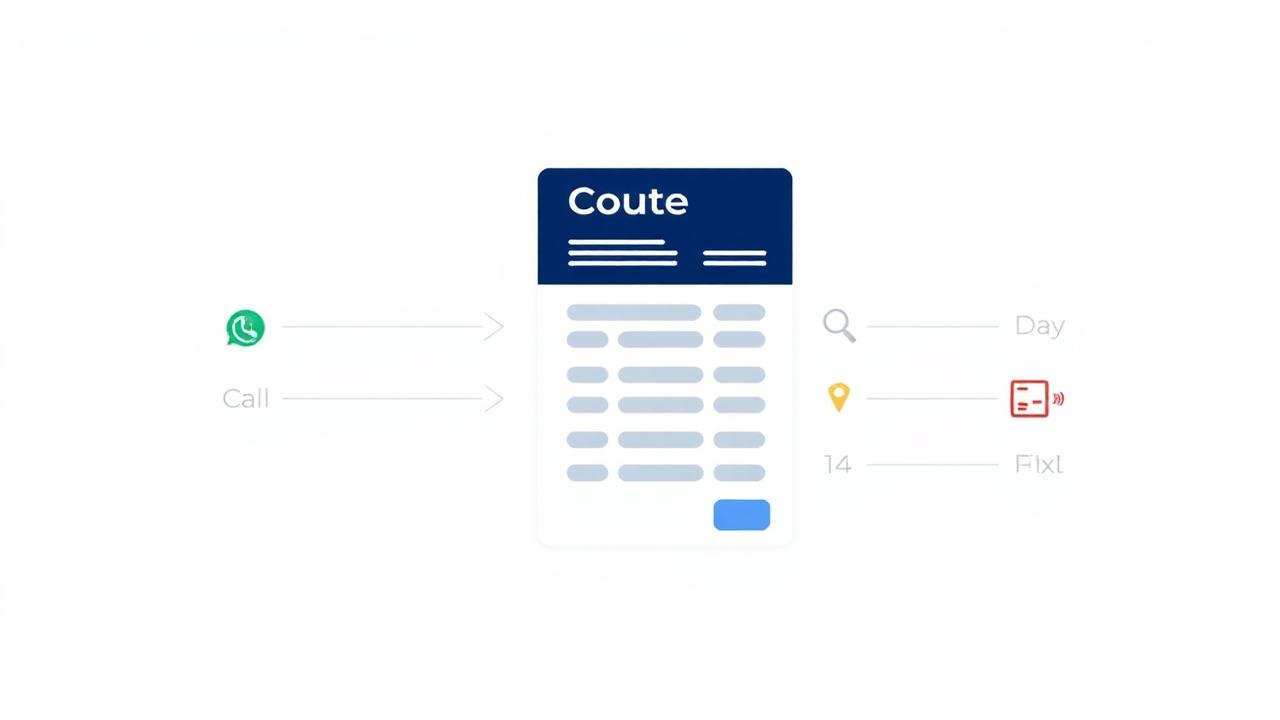
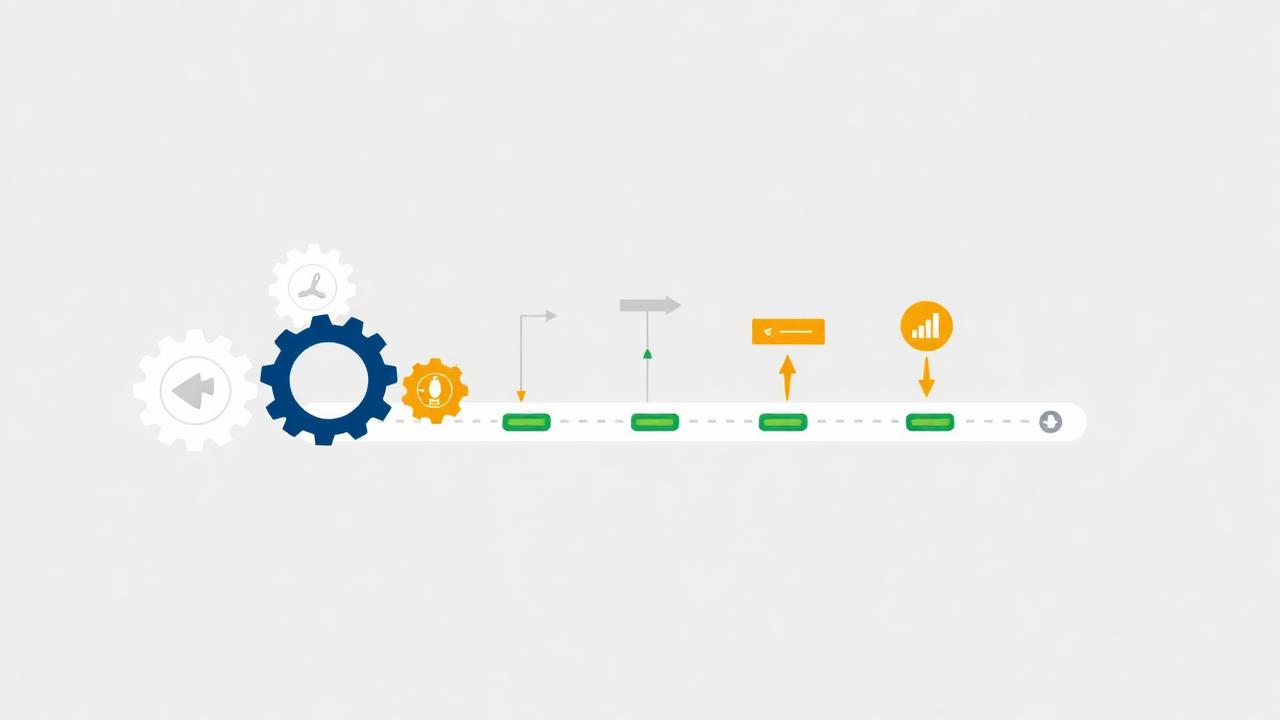
The most fragile insurance operation is the one that works perfectly when the agent is fully engaged and stops completely when they are not. Building a pipeline that generates consistent qualified prospect flow independently of your daily involvement requires three things: automated list management, a CRM that enforces the sequence without human scheduling, and a follow-up system that runs without agent memory.
Automated List Management
The Standing List Order
A standing list order is a pre-configured monthly purchase that automatically delivers a fresh batch of verified, filtered records to your CRM on a set date. This eliminates the decision to buy leads from your weekly workflow. When lead purchasing is a deliberate action, it gets delayed when the agent is busy. When it is a standing order, it happens regardless.
Configure your standing order with your exact demographic filters so records arrive immediately dialable. Browse and configure at cleanleads365.com/cleaner.
Automated Re-Verification on Re-Engagement
Re-engagement queue records need re-verification before re-dialing to account for active status changes since original verification. This re-verification step can be automated: configure your CRM to export the week's re-engagement batch automatically to a verification service on Monday morning.
CRM Sequence Enforcement
The Automated Attempt Scheduler
Modern CRM platforms (GoHighLevel, HubSpot, Salesforce) can automatically schedule the next attempt in the 8-attempt sequence based on the outcome of the previous call. This automation is the single most impactful change most insurance operations can make. The difference between a 60% and 95% sequence completion rate is almost entirely attributable to whether the CRM is automatically scheduling it.
Time Zone Enforcement Automation
Configure your CRM's automated attempt scheduler to apply time zone constraints per record. This eliminates the most common accidental TCPA violation in multi-state operations.
Automated Follow-Up Systems
The Quoted Follow-Up Automation
The quoted follow-up sequence — four touches over 21 days — is a perfect candidate for automation. When a CRM stage changes to "Quoted," the automation triggers: a task for Follow-Up 1 at 48 hours, an SMS at 10 days, a final-touch task at 21 days.
The Annual Review Reminder
When a policy is enrolled and the enrollment date is recorded, a calendar-year-later automation creates the annual review task. An agent with 200 active clients and a properly configured CRM never misses an annual review call.
What You Still Have to Do
Automation handles scheduling, sequencing, re-verification triggers, and follow-up reminders. It does not handle the calls themselves, the qualification conversations, the presentations, the objection handling, or the relationship-building that actually closes policies and generates referrals.
References
- Salesforce. (2023). State of Sales. CRM automation adoption and impact on pipeline consistency.
- HubSpot. (2023). Sales Automation Report. Sequence completion rate before and after automated attempt scheduling.